
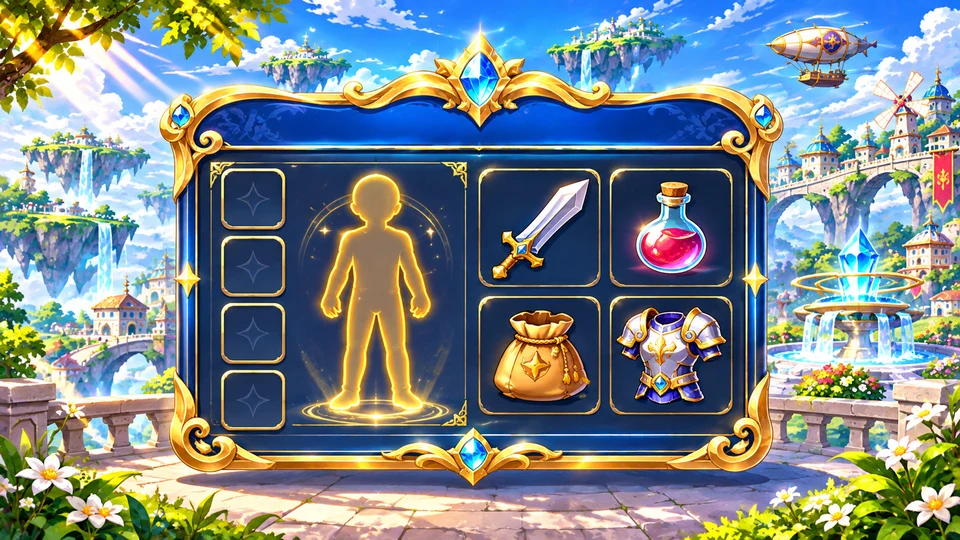
Inventory and equipment
The Avatar section contains equipment, consumables and materials. Visual contains appearance items that do not affect equipment stats; Vehicle contains transportation items.
In Quick Switch, organize equipment sets and drag the first icon onto the shortcut bar to switch quickly.
Quests and community
ALT + Q displays active quests, item counters and the option to abandon a quest. ALT + C opens friends, social status and the party tab.
ALT + N displays clan information, members, skills and news when you belong to a clan.
Chat and options
Chat offers channels for nearby players, clan, party and allies. Use !message to shout to the map, with a 20-second interval, or @CharacterName message to whisper.
Use ALT + O to adjust sound, attack mode, chat and other options. Changing the resolution requires restarting the game.